"Payload has transformed the way our clients manage content. It's an indispensable tool for any modern agency."
Get the resources you need to start building today
Microsoft chose Payload to tell the world about AI.

%20(1).jpg&w=3840&q=75)
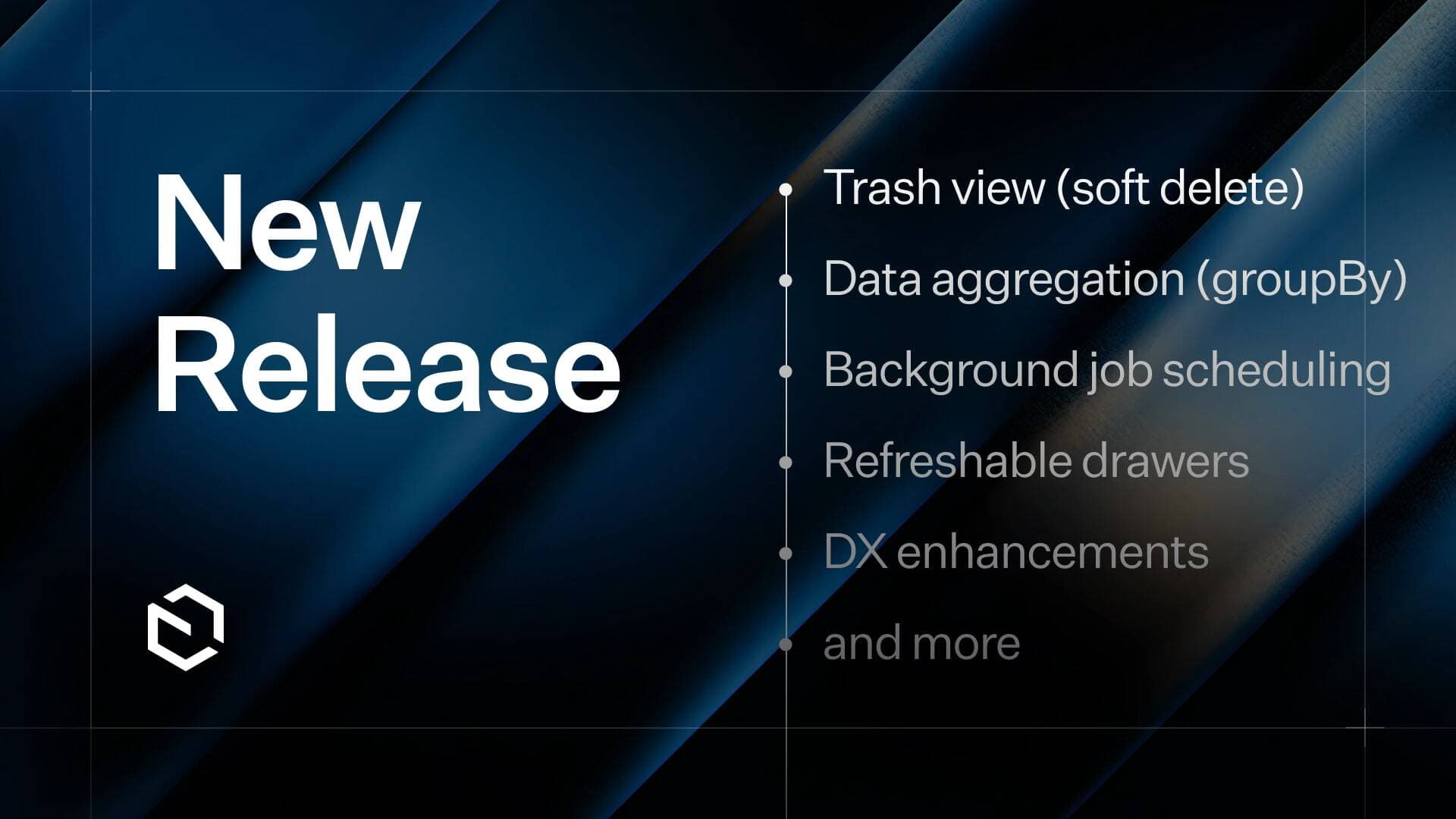
From parallel background jobs to a dedicated slug field and a smarter rich text editor, v3.50 through v3.65 brought some of the most requested features to Payload's core. Here's what landed.
Parallel job queue tasks — v3.54
Tasks in Payload's job queue can now run in parallel rather than sequentially. This means multi-step background operations complete significantly faster, especially for workflows that process independent chunks of work — like generating multiple image sizes, sending batch notifications, or running scheduled imports.
Conditional blocks in Lexical — v3.57
Blocks in the Lexical editor can now be shown or hidden based on the values of other fields. This gives content editors a cleaner, context-aware editing experience and lets developers build content structures that adapt without cluttering the UI with irrelevant options.
Drag-and-drop / copy-paste into Lexical — v3.57
You can now drag image files or other media directly from your desktop into the Lexical editor, or paste them straight from your clipboard. Previously this required uploading through the media browser first — now it works the way editors expect.
Slug field — v3.59
Payload now ships a dedicated slug field type. It generates a URL-safe slug from another field (typically the title), with built-in controls to lock or unlock it for manual editing. No more writing custom beforeChange hooks to manage slugs.